AI Setup
AI Setup for Organic Chemistry Classes
For organic chemistry students and teachers. Use this to quickly check NMR/HRMS consistency.
What to Expect from One Check
This AI connection reads your spectrum text and returns a structured summary.
Input example (your spectrum text):
1H NMR (400 MHz, CDCl3) δ 7.26 (s, 1H), 3.81 (s, 3H)

Expected output (in simple words):
- Total proton count from your 1H lines (here, 4H)
- HRMS comparison result (match / mismatch)
- Carbon signal count when 13C text is included- The result helps you quickly spot whether your NMR and HRMS tell a consistent story.
- Always confirm critical conclusions with your lab notes or instructor.
Set Up in ChatGPT (Recommended)
Most students and teachers should start here.
AI connection URL:
http://nmr.liongkj.com/mcp

Fallback if needed:
https://nmr.liongkj.com/mcp
In ChatGPT settings, this appears as a custom AI connection (MCP).
Step 1: Open ChatGPT and prepare to connect
Go to ChatGPT home and sign in if needed. Connector options may not appear until you log in.
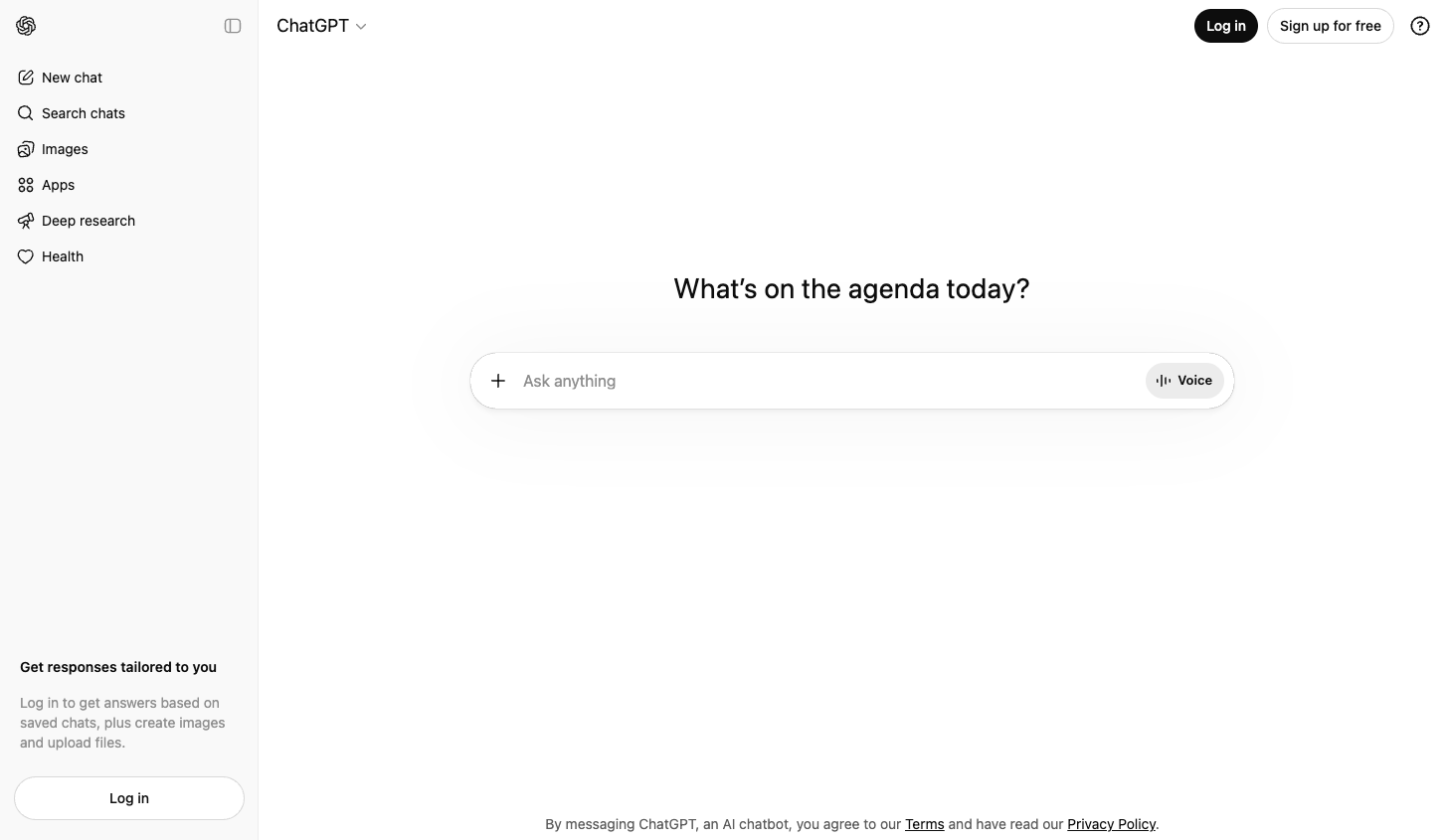
ChatGPT home screen (real UI).
Step 2: Open the apps area
Open Apps in the left sidebar. This confirms you are in the right area before adding external tools.
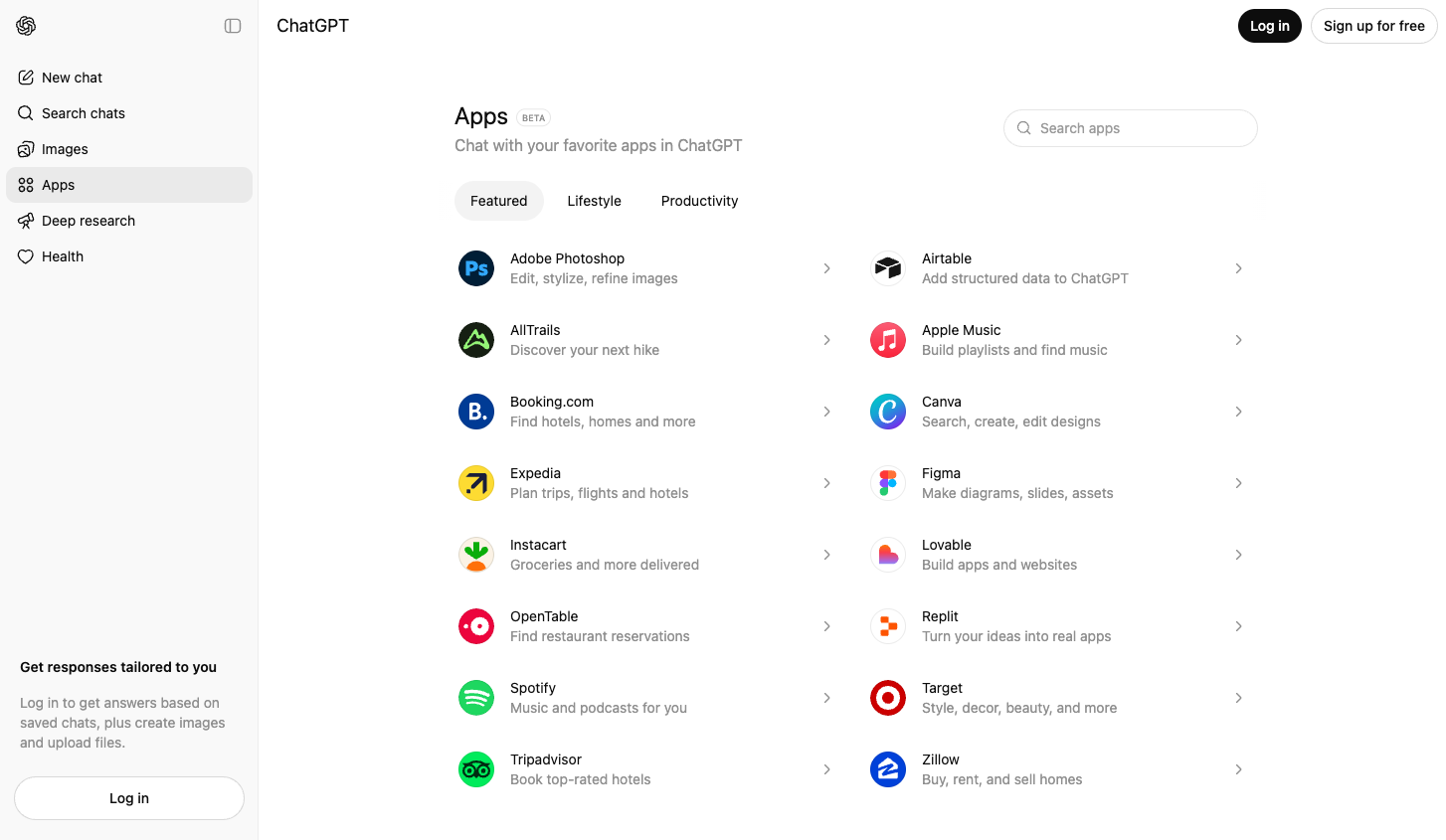
Apps area in ChatGPT (real UI).
Step 3: Open profile menu and settings
Click your profile menu (top right) and open Settings. In some accounts, connector controls are under settings.
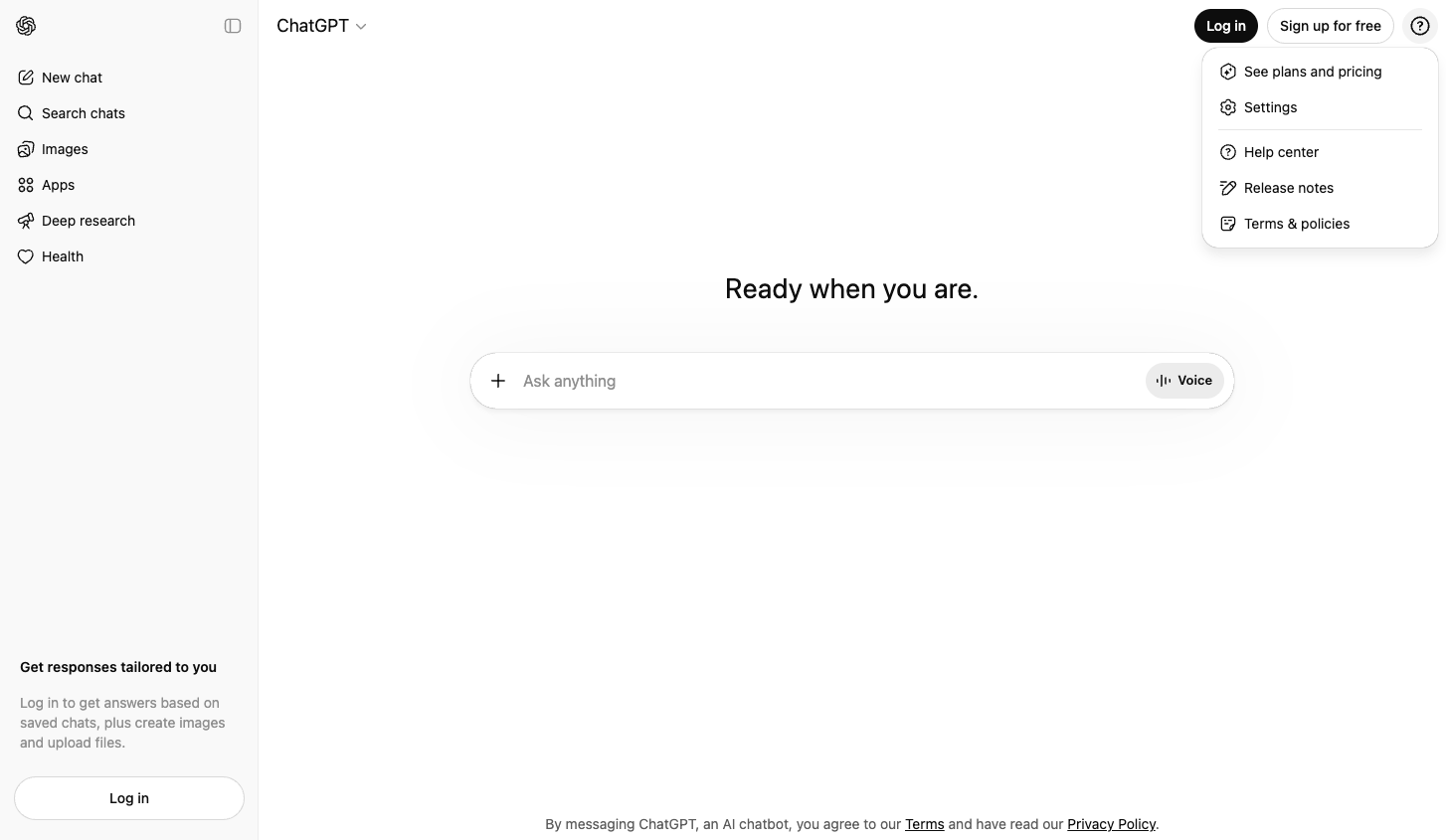
Profile menu with Settings option.
Step 4: Find connector controls
Inside settings, look for connector / developer options. The exact menu name can vary by account or school policy.
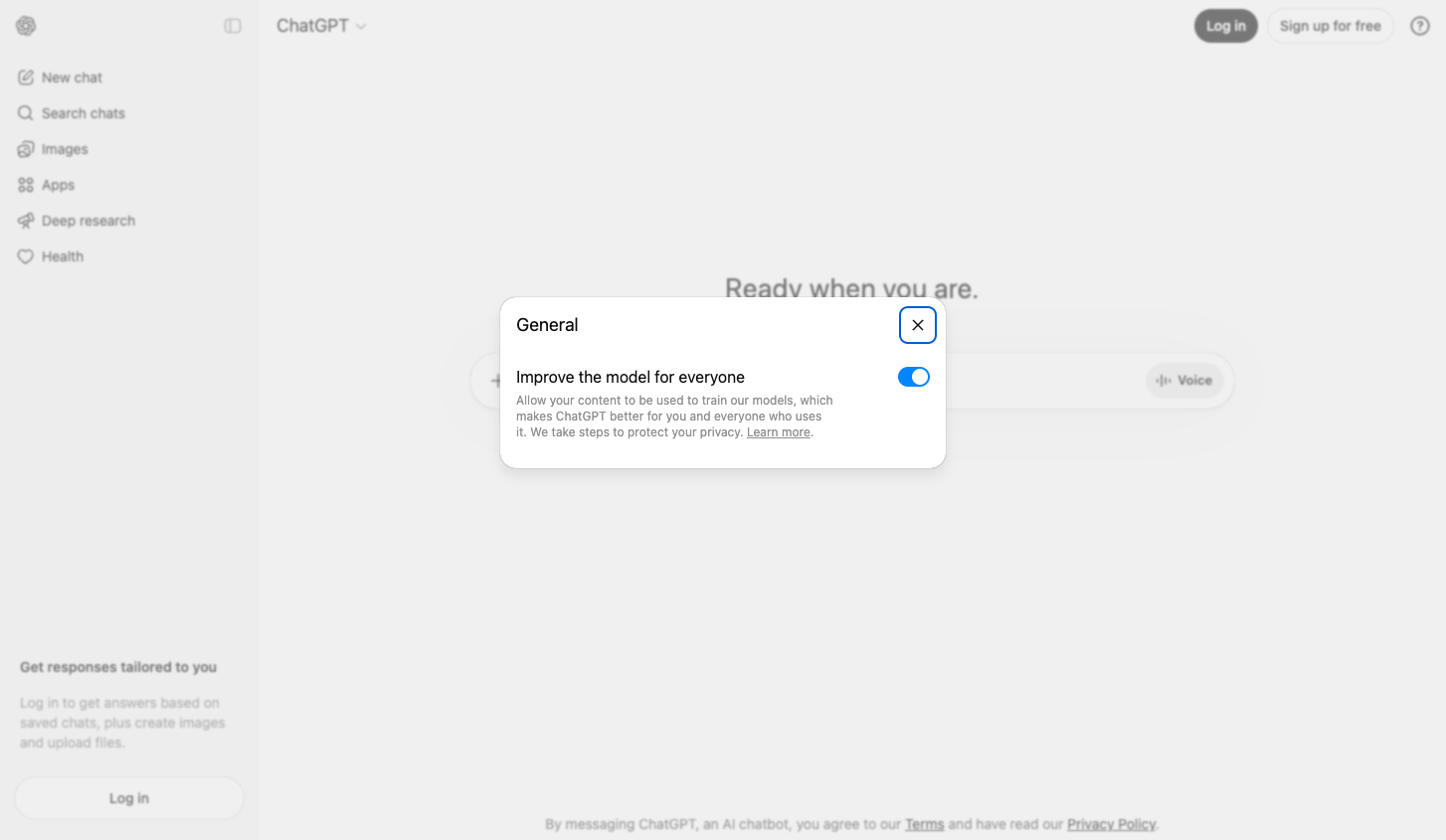
Settings dialog example (layout may vary).
Step 5: Ask ChatGPT to run your chemistry check
In a new chat, paste your NMR text and ask ChatGPT to run process_nmr using this AI connection.
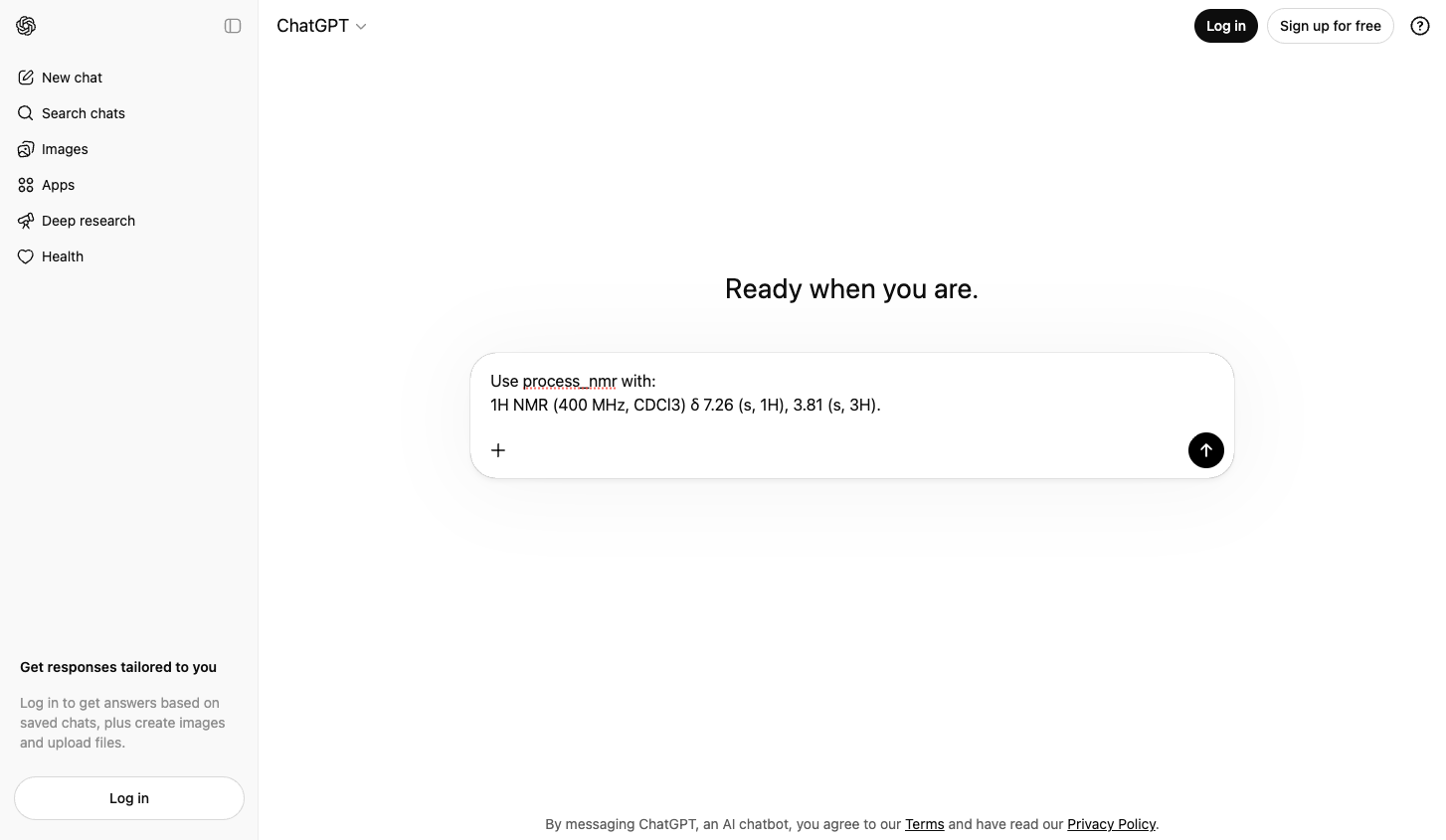
Example prompt entered in ChatGPT.
Step 6: Read and verify the response
Check the returned summary for proton count, HRMS consistency, and optional carbon signals if 13C is included.
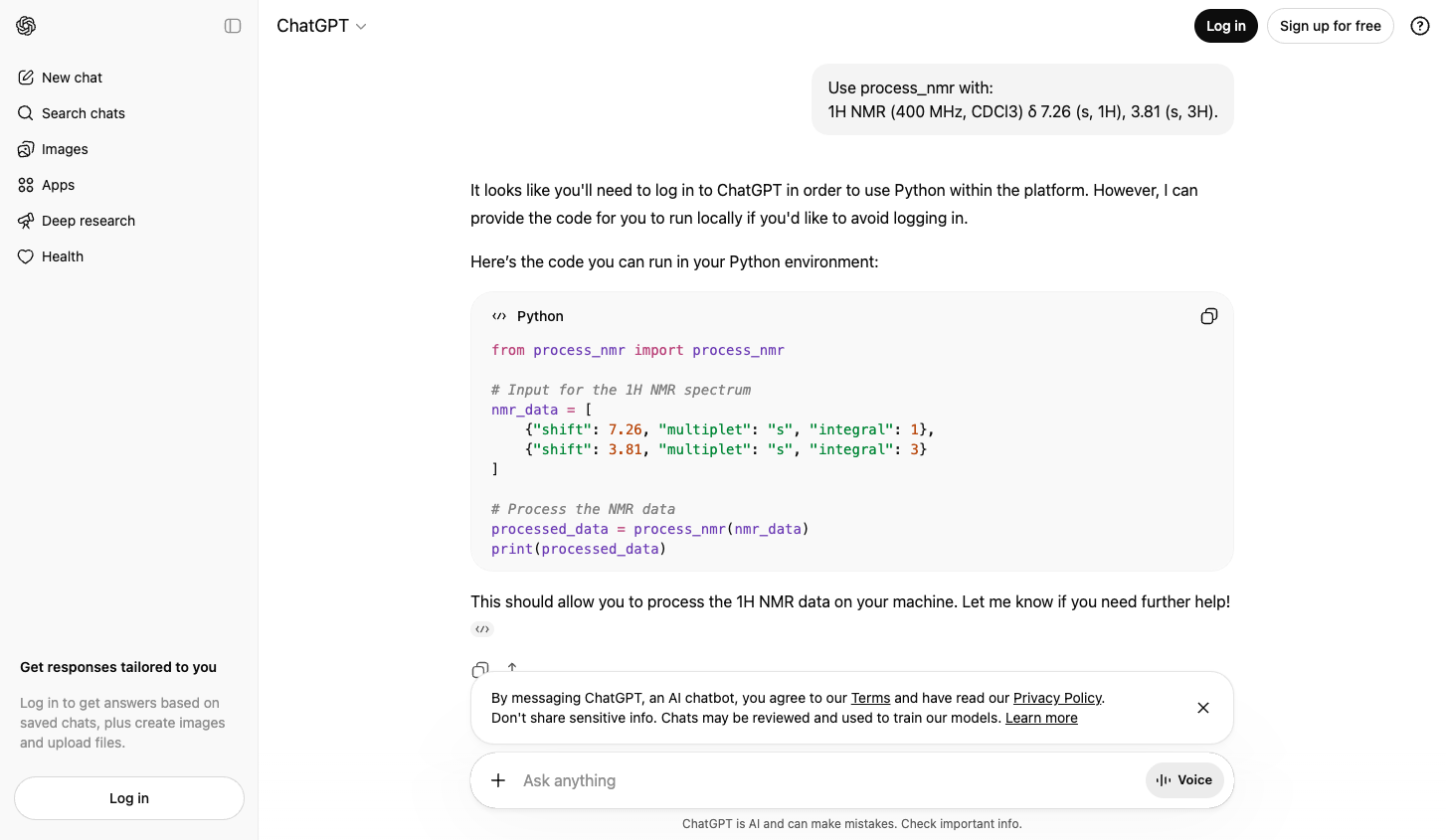
Example response in ChatGPT.
Other clients (advanced)
Claude Code
- Open terminal and add the same AI connection URL.
- Check it appears in the server list.
- Call process_nmr with your NMR text.
claude mcp add --transport http nmr-calculator http://nmr.liongkj.com/mcp
claude mcp list
Cursor
- Open MCP settings in Cursor.
- Add an HTTP server using the same URL.
- Restart Cursor, then check tools for process_nmr.
{
  "mcpServers": {
    "nmr-calculator": {
      "transport": "http",
      "url": "http://nmr.liongkj.com/mcp"
    }
  }
}
Classroom Prompt You Can Copy
After setup, paste this prompt into ChatGPT.
Please run process_nmr on this:
1H NMR (400 MHz, CDCl3) δ 7.26 (s, 1H), 3.81 (s, 3H)

Use proton_adjustment = 0 and output_mode = "full".
Then explain in plain language whether HRMS is consistent with the NMR count.
Simple Troubleshooting
- Check that the URL ends with /mcp.
- Close and reopen ChatGPT after you add the connection.
- If your school account blocks connectors, ask your teacher or IT admin for access.
What to Ask Your Teacher or IT Admin
- Can our ChatGPT workspace enable custom AI connections (MCP)?
- Can we allow the URL http://nmr.liongkj.com/mcp?
- If HTTP is blocked, can we allow https://nmr.liongkj.com/mcp?